
Quick overview
Why household vacuum and uncontrolled blower DIY is riskier than Roger N Reckon Basic PC Cleaning for Delhi desktops.
Household vacuums can static-charge, spin fans backwards, and pull capacitors if you are unlucky. Compressed air cans run out mid-case. Roger N Reckon Basic PC Cleaning documents a blower process on accessible areas plus inspection, which is the comparison customers ask for every summer.
Quick answer
Household vacuum is a bad default for internal PC cleaning. Roger N Reckon Basic service targets moderate dust with controlled technique and tells you if DeepClean or thermal work is next.
DIY vacuum risks
- Static discharge
- Fan overspeed without holding blade
- Dust redeposit inside PSU
Professional Basic clean includes
Per site and blogs:
- Visual inspection
- Blower on accessible motherboard and CPU fan areas
- External wipe
- Idle temp check
- Recommendation if deeper work needed
See is compressed air safe and professional cleaning worth it.
Cost-benefit
| Method | Cash | Risk |
|---|---|---|
| Home vacuum | Low | Medium-high |
| Roger N Reckon Basic | Service fee | Lower with scope |
When DIY exterior is OK
- Power off, soft brush on external vents only
- No opening PSU shroud
Delhi dust context
Renovation season: cleaning after renovation.
How to choose in practice
Use this decision rule: pick the option that gives you a written scope, clear pricing before work starts, safe handling of your data, and a realistic path if symptoms return. Roger N Reckon is built around documented desktop services in Delhi NCR; other options can still be right for simple jobs or brand-warranty cases.
If you already vacuumed and fans whine, book inspection before the bearing dies. /services/bsc-pc-clean.
Comparison checklist
1. Ask what is included and excluded before you pay. 2. Confirm whether diagnosis is separate from repair. 3. Back up data or ask how disks are handled. 4. Request invoice and warranty terms for parts. 5. Check whether the shop can service your form factor (desktop vs laptop). 6. Note turnaround time and who owns risk during transport. 7. Compare total cost, not only the lowest opening quote.
Frequently Asked Questions
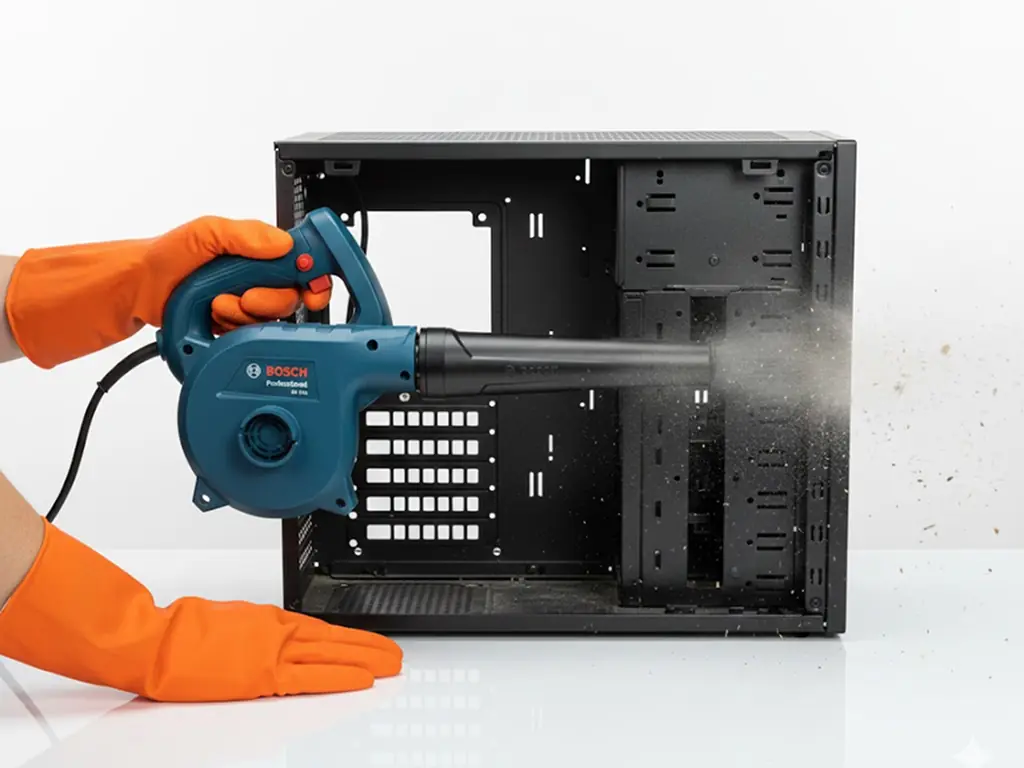
Can I use electric blower?
Better than vacuum; still ESD care.
Basic vs DeepClean?
Laptop same service?
Different; confirm scope.
How long Basic takes?
Ask turnaround at booking.
Will temps drop?
Possible if dust was cause; not guaranteed.
Frequency?
Final takeaway
Saving ₹500 with a vacuum can cost ₹5000 in static damage. Roger N Reckon Basic clean is the controlled alternative.
Featured product
Basic PC Cleaning
Keep your PC breathing easy with a fast, superficial clean of accessible vents and fans. The result is immediate relief from minor dust buildup and fan noise. The value is maintaining good basic health and preventing dust from becoming a complex issue.